Photo Galleries & Uploading Photos

You need a place to host the picture then manually type in the IMG code. I don't post here enough to remember that and I always have to re figure it out when I do :laughing:
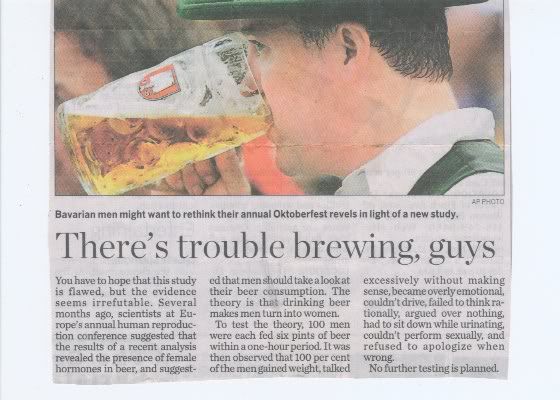

beer20study.jpg

If your posting a picture from your computer all you have to do is hit the insert image icon in the tool bar listed the hit from your computer then the browse button your to select your picture and hit upload. or you can use the URL function but neither work for me here on this forum and it's not my computer because I have 3 others and it's the same on them also.
Do to the fact I can post pictures on any other forum I use on any of the 4 computers it seems to reason it's this forum that has a problem with posting pictures along with a host of other issues that don't work like the email feature that doesn't work for some people and there's a few other things that also don't work. I also know that I have the same issues on there sister forum TruckByNet.
 
Last edited:
... but neither work for me here on this forum ...

That's what I'm saying. If you want the picture viewable by everybody host it and type the IMG code in the text window.
I suspect they don't want people posting pictures that are viewable by everybody, either as a spam preventative, or to drive up the number of registered users or both...
 
That's what I'm saying. If you want the picture view able by everybody host it and type the IMG code in the text window.
I suspect they don't want people posting pictures that are view able by everybody, either as a spam preventative, or to drive up the number of registered users or both...

I've tried every way possible to post a picture. I've used photo-bucket and there's no way to host a picture here. you have Insert an Image and your choices from there are your computer or url and the url doesn't work, I've tried that from photo-bucket and it says error that service has been disabled. The only way I can possibly post a photo is to copy an image off another form, bring it here and paste it. The other thing that happens or it tell me unless it' avatar size photo it has to be reduced in size because it's to large.
 
That's what I'm saying. If you want the picture view able by everybody host it and type the IMG code in the text window.
I suspect they don't want people posting pictures that are view able by everybody, either as a spam preventative, or to drive up the number of registered users or both...

I've tried every way possible to post a picture. I've used photo-bucket and there's no way to host a picture here. you have Insert an Image and your choices from there are your computer or url and the url doesn't work, I've tried that from photo-bucket and it says error that service has been disabled. The only way I can possibly post a photo is to copy an image off another form, bring it here and paste it. The other thing that happens or it tell me unless it' avatar size photo it has to be reduced in size because it's to large.

Copied and pasted from another forum but I can't even do that in my albums here.

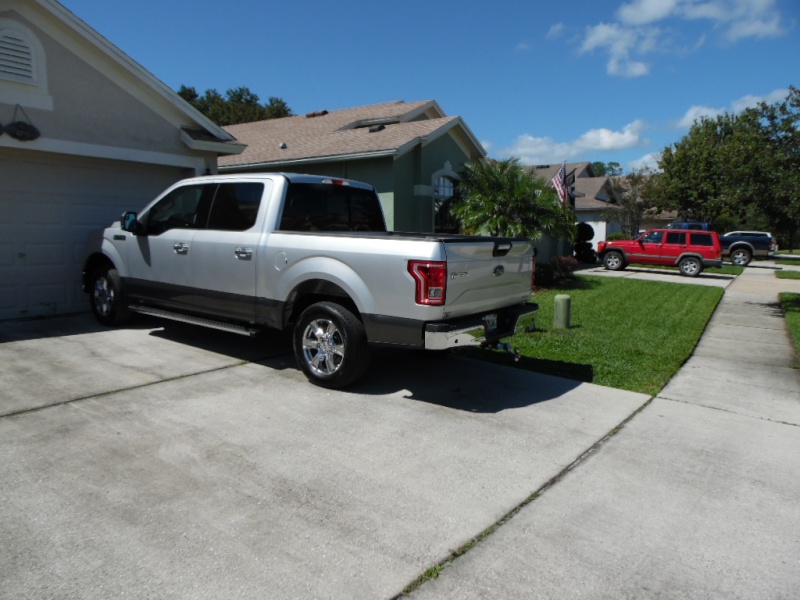
sam_0013.jpg
 
Well Ric,
You need a new computer.
The forum is run under an Oracle based server and the Evil Empire rejiged their new oprating system, you know the one you keep rabbiting on about how wonderful it is , to make it imcompatiable with Oracle in the hope that it will force all the web hostings companies to downgrade to Winserve softwear.
 
Well Ric,
You need a new computer.
The forum is run under an Oracle based server and the Evil Empire rejiged their new oprating system, you know the one you keep rabbiting on about how wonderful it is , to make it imcompatiable with Oracle in the hope that it will force all the web hostings companies to downgrade to Winserve softwear.

The one I'm using is a new computer and my Fire HD 8" is only about a month old LOL. I mean I know when you purchase a computer in the store is already out dated but this is ridiculous.
I can't blame it on windows 10 because 8.1 and 7 don't work on the others either. They all do the same thing. My apple I phone doesn't work either. When they started screwing around with the server there app would work anymore, it went down on me and a lot of others.
 
When you are copy and pasting photos from other forums it works because you are copy and pasting the image code. Don't even mess with those little radio buttons above the text window. Type {IMG}http://ImageAddress.com/here{/IMG} Only replace these { } with these [ ] and use the images real adress
example: try typing {IMG}http://i21.servimg.com/u/f21/15/37/87/49/sam_0013.jpg{/IMG} only replace these { } with these [ ]
 
Back
Top